


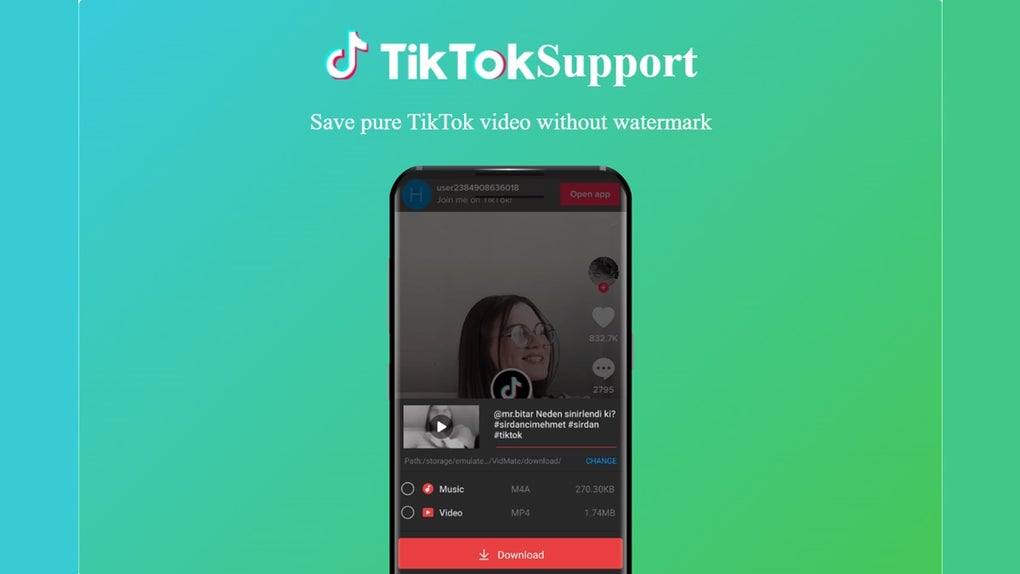
Description
Download VidMate – video downloader, free video app, download videos from YouTube, MP3 converter, Android video utility
Overview
VidMate is a free Android application designed to simplify the process of downloading, converting, and playing multimedia content directly on mobile devices. Developed by VidMate, the app positions itself as a comprehensive video utility tool, offering users the ability to retrieve videos and music from hundreds of websites, including major platforms like YouTube, Facebook, and Instagram. Its primary purpose is to enable users to save content for offline viewing, eliminating the need to rely on internet connectivity during playback. The software caters to a broad audience, including casual users, content enthusiasts, and individuals seeking a convenient way to archive videos and audio files. It is particularly useful for those who frequently access online media and want to preserve it for later use. The app supports high-definition video downloads, ensuring crisp and clear visuals on compatible devices. While it is not available on the official Google Play Store due to policy violations, it remains accessible through third-party sources. Users must exercise caution when downloading from unofficial platforms to avoid potential security risks. The software’s functionality extends beyond simple downloading, offering integrated conversion and playback features within a single interface. Its popularity stems from its wide website support and ease of use, making it a go-to tool for quick multimedia retrieval.
Key Features & Capabilities
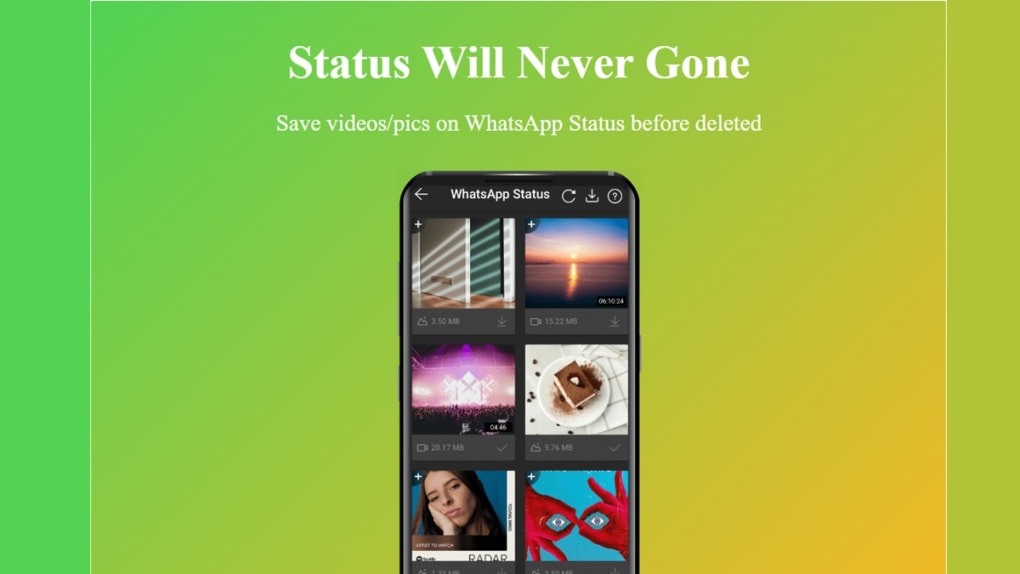
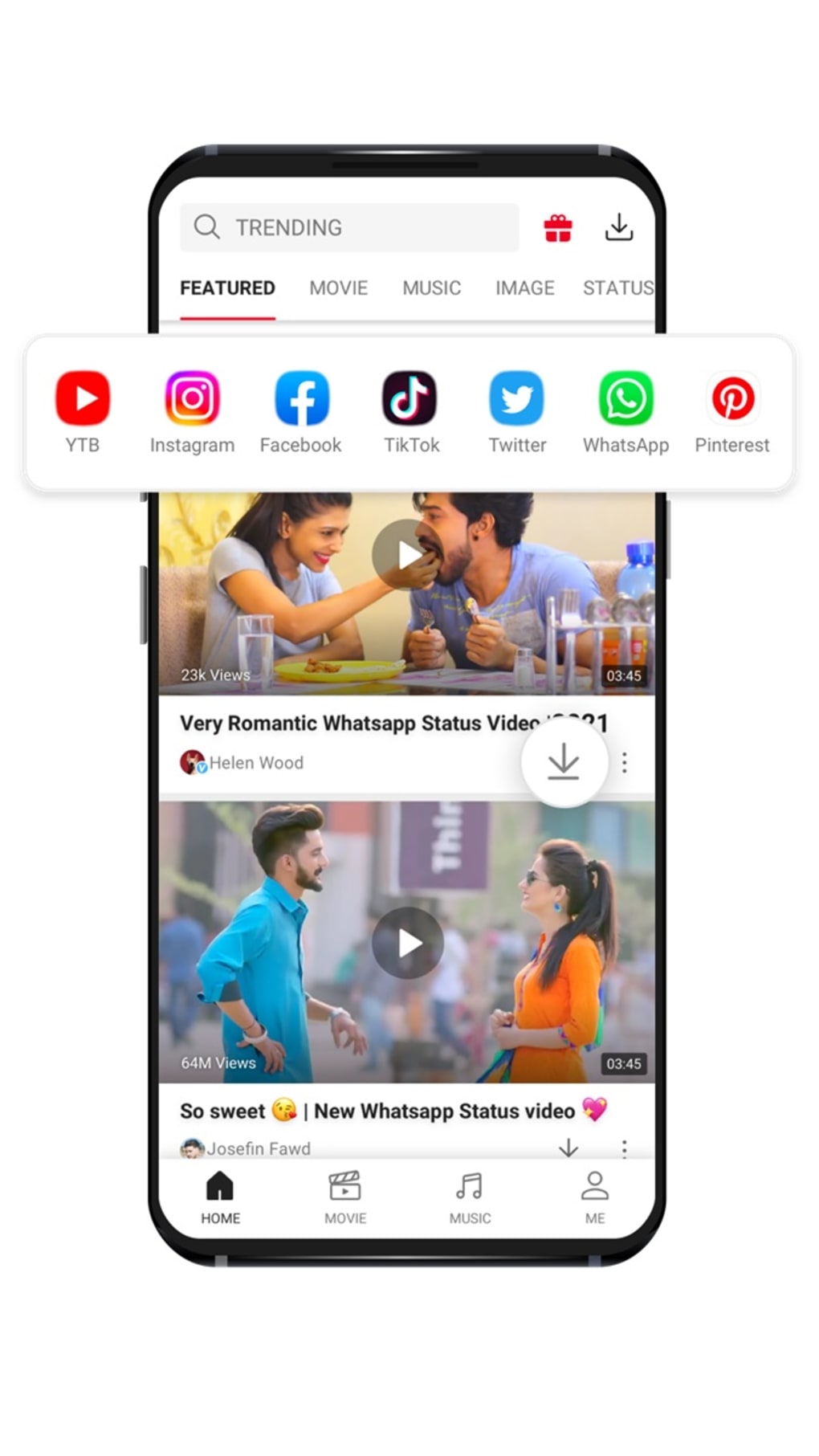
- Multi-Website Video Downloading: Supports retrieval of videos from hundreds of websites, including YouTube, Facebook, Instagram, and other popular platforms, enabling users to save content directly to their device.
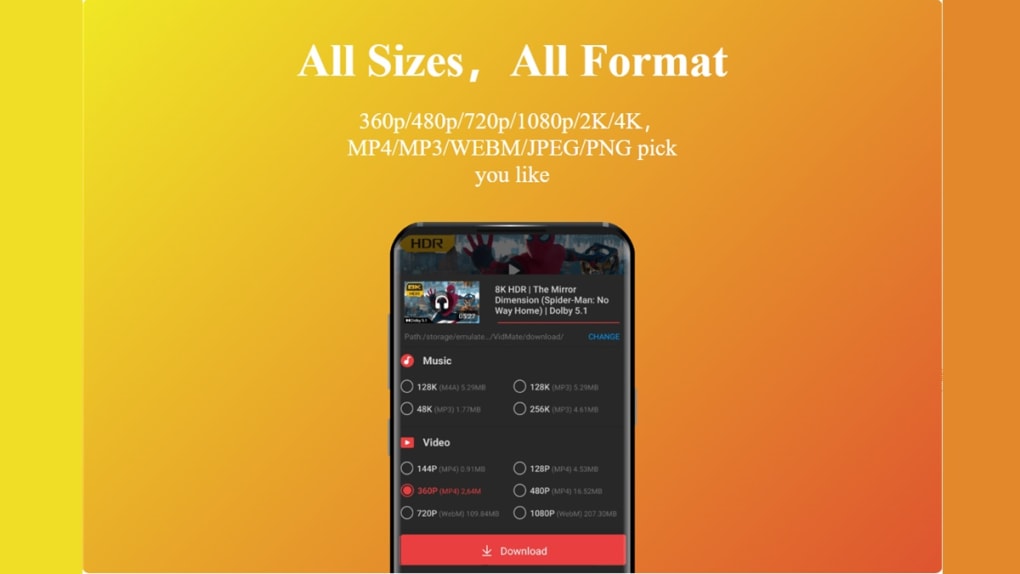
- High-Definition Video Support: Allows downloading of videos in high-definition quality, ensuring clear and detailed playback on compatible screens.
- Integrated Video Conversion: Offers built-in tools to convert downloaded videos into MP3 or MP4 formats, removing the need for separate conversion software.
- Simultaneous Downloads: Enables multiple video downloads at once, improving efficiency and reducing waiting time for users managing several files.
- Customizable User Interface: Provides options to adjust UI colors, allowing users to switch between light, dark, and neutral themes based on personal preference.
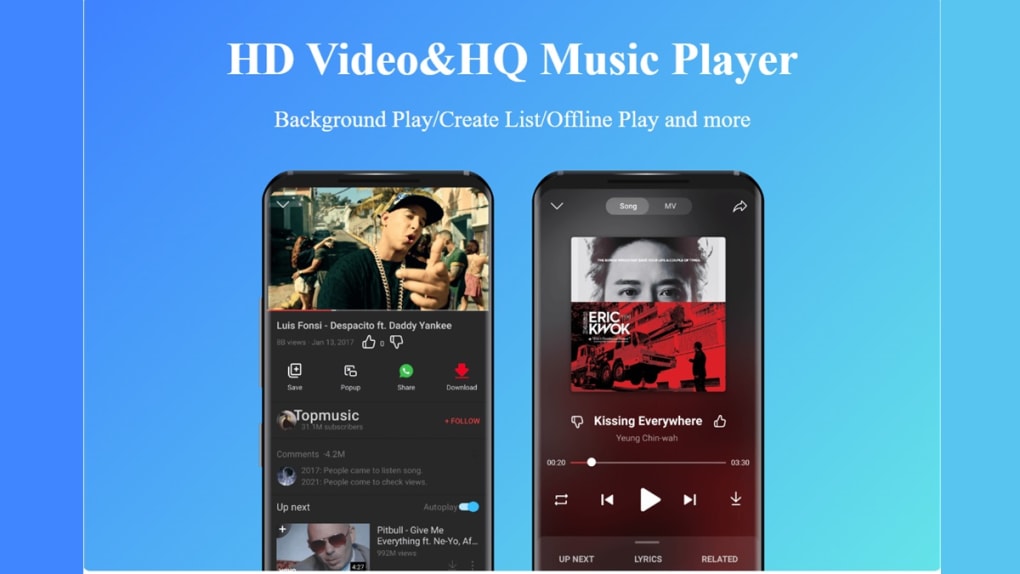
- Offline Playback: Allows users to watch or listen to downloaded content without an internet connection, ideal for travel or low-connectivity environments.
These features collectively enhance the user experience by streamlining the workflow from discovery to consumption. For example, a user can search for a tutorial on YouTube, download it in HD, convert it to MP3 for audio-only listening, and play it later offline—all within the same app. The ability to manage multiple downloads simultaneously is especially beneficial for content curators or students compiling study materials. The customizable interface also contributes to a more personalized experience, reducing visual fatigue during extended use. However, the app’s editing capabilities are described as minimal and limited in functionality, with no advanced tools for trimming, cropping, or effects. Despite this, the core features remain robust and well-suited for users focused on downloading and converting media.
User Interface, Workflow & Performance
The user interface of VidMate is designed with simplicity and accessibility in mind, featuring a clean layout that prioritizes core functions like search, download, and playback. Navigation is intuitive, allowing users to move between sections with minimal effort. The app’s workflow is streamlined: users enter a video URL, initiate the download, and choose a format or destination, all within a few taps. This makes the process efficient even for individuals with limited technical experience. The interface supports customization, including color themes, which can be adjusted to suit user preferences or reduce eye strain. While the app is described as maintaining a simple and intuitive interface, performance details such as CPU or RAM usage were not specified. The developer did not provide additional system requirements or resource consumption metrics. General software behavior patterns suggest that the app operates efficiently under normal conditions, but actual performance may vary based on device capabilities and network speed. Stability is not explicitly confirmed, though the app’s widespread use indicates consistent functionality across various Android devices. Users should be aware that the app is distributed through third-party sources, which may affect installation reliability and long-term stability.
Compatibility & System Requirements
VidMate is designed for the Android operating system and is available in version 7.5.5. The installation size is 12.8 MB, making it a lightweight application suitable for devices with limited storage. The developer did not specify exact system requirements, such as minimum Android version or hardware specifications. Compatibility information was partially provided, indicating that the app runs on Android devices but without details on supported versions or device types. Users are advised to ensure their device meets general Android compatibility standards to avoid installation issues. The app is not available on the official Google Play Store, requiring users to download it from third-party websites. This may impact compatibility with certain security policies or device restrictions. The lack of official distribution channels means users must manually verify the source and integrity of the APK file before installation. The developer did not provide information on updates or version history beyond the release date of 2024-05-23.
Pros and Cons
Pros
- Free to download and use with no subscription fees
- Supports video downloading from major platforms like YouTube, Facebook, and Instagram
- Offers high-definition video downloads and MP3 conversion capabilities
- Allows multiple simultaneous downloads for improved efficiency
- Customizable UI with light, dark, and neutral color themes
- Enables offline playback of downloaded content
Cons
- Not available on the official Google Play Store, requiring sideloading from third-party sources
- Ads within the app may consume significant storage space over time
- Editing features are described as barebones and limited in functionality
- Security risks associated with downloading from unofficial sources
- Lack of detailed system requirements and performance data
Is VidMate safe to download and use?
VidMate is not available on the official Google Play Store, which means it is distributed through third-party websites. This increases the risk of encountering modified or malicious versions. Users should only download the APK from trusted sources and verify its authenticity before installation.
Can I use VidMate on my PC?
Yes, VidMate can be used on a PC by installing an Android emulator. This allows the app to run on Windows or Mac systems, though performance may vary depending on the emulator and device specifications.
Does VidMate support downloading videos in HD?
Yes, the app supports high-definition video downloads, enabling users to save videos in clear and detailed quality for better viewing on compatible devices.
Is there a license or subscription required to use VidMate?
No, VidMate is completely free to use. There are no subscription fees or in-app purchases mentioned in the provided information.
Can I convert videos to MP3 or MP4 using VidMate?
Yes, the app includes built-in conversion tools that allow users to convert downloaded videos into MP3 or MP4 formats, eliminating the need for external software.
Final Thoughts
VidMate delivers a powerful combination of video downloading, conversion, and playback in a single Android application. Its extensive website support, high-quality output, and simultaneous download feature make it a compelling option for users seeking a free and versatile multimedia utility. While the app’s absence from the Google Play Store and reliance on third-party sources introduce security concerns, its core functionality remains robust and effective for its intended purpose. The customizable interface and offline playback capabilities further enhance its usability. However, users should be aware of the intrusive ads and limited editing tools, which may affect the overall experience. If you prioritize downloading and converting videos without additional software and are comfortable with the risks of sideloading, VidMate offers a strong value proposition. Download VidMate now.
Guides & Tutorials for VidMate APK
How to install VidMate APK
- Click the Preview / Download button above.
- Once redirected, accept the terms and click Install.
- Wait for the VidMate APK download to finish on your device.
How to use VidMate APK
This software is primarily used for its core features described above. Open the app after installation to explore its capabilities.
User Reviews for VidMate APK 0
No reviews found





